
Artificial intelligence is changing how businesses manage their daily operations. Tasks that once required hours of manual effort, from processing documents to responding to customer inquiries, can now be handled more efficiently with AI-powered tools.
For businesses of all sizes, this creates new opportunities to improve productivity, reduce repetitive work, and make better use of existing resources.
However, adopting AI is not simply about introducing new technology. The real value comes from identifying the right processes to automate and integrating those solutions into everyday operations.
In this article, we'll explore how AI automation works, where businesses can apply it, and what organizations should consider before getting started.
What Is AI Automation?
AI automation refers to using artificial intelligence to perform tasks, support decisions, and manage workflows that would otherwise require manual involvement.
Traditional automation typically follows predefined rules. For example, a system might automatically send an email whenever a customer submits a form.
AI-powered automation goes further by working with information that may not follow a fixed format. It can interpret written requests, extract details from documents, categorize information, and generate responses based on context.
For example, instead of simply forwarding every incoming customer email to the same department, an AI-powered workflow could analyze the message, identify the type of request, and direct it to the appropriate team.
This allows businesses to automate more complex processes while maintaining human oversight where necessary.
How AI Automation Is Changing Business Operations
AI automation can support different departments and business functions. While the specific applications depend on an organization's needs, several areas offer practical opportunities for improvement.
1. Customer Support and Communication
Responding to customer inquiries can take up a significant amount of time, particularly when teams receive similar questions repeatedly.
AI-powered assistants can help businesses manage routine inquiries, provide information, and direct customers to relevant resources.
For example, a company could use an AI assistant to answer common questions about its services, collect basic customer information, and route more complex requests to an employee.
This can reduce the workload on customer-facing teams while helping customers access information more conveniently.
However, sensitive situations, complaints, and complex requests should still have a clear path to human support.
2. Document Processing and Data Entry
Many businesses spend considerable time reviewing documents, extracting information, and transferring data between systems.
Invoices, contracts, application forms, and other business documents often contain information that employees must manually organize.
AI-powered document processing can help identify relevant details, extract data, and prepare information for use in other applications.
For example, an accounting firm might use AI to extract invoice details and prepare them for review before entering them into an accounting system.
This can reduce repetitive administrative work and improve processing efficiency.
Because AI extraction is not always accurate, businesses should implement validation procedures, particularly when working with financial or sensitive information.
3. Sales and Customer Relationship Management
Sales teams often manage large amounts of information across emails, customer relationship management (CRM) platforms, and internal communications.
Keeping records updated and following up with potential customers can become time-consuming as a business grows.
AI automation can assist by categorizing inquiries, summarizing customer interactions, updating CRM records, and preparing follow-up communications.
For example, when a potential customer submits an inquiry through a website, an automated workflow could collect the information, categorize the request, create a CRM record, and notify the appropriate sales representative.
This helps reduce administrative work and allows sales teams to spend more time building customer relationships.
4. Internal Workflows and Administrative Tasks
Businesses rely on numerous internal processes to keep operations running smoothly.
Employee onboarding, approval requests, task assignments, scheduling, and information sharing often involve multiple steps and departments.
AI automation can help coordinate these activities by interpreting requests, organizing information, and initiating predefined workflows.
For example, an employee onboarding process could automatically generate a checklist, prepare access requests, notify relevant departments, and track outstanding tasks.
Rather than manually coordinating every step, employees can focus on reviewing requests and completing activities that require their involvement.
Well-designed automation can also make responsibilities clearer and reduce delays caused by missed handoffs.
5. Business Reporting and Data Analysis
Businesses collect information from numerous sources, including sales platforms, financial systems, customer databases, and operational tools.
Turning this information into useful reports often requires employees to gather data, organize it, and identify important trends.
AI-powered tools can assist by summarizing information, identifying patterns, and generating preliminary reports.
For example, a business could use AI to review sales performance, highlight changes in customer activity, and prepare a weekly management summary.
This can make business information more accessible and help teams spend less time preparing routine reports.
However, AI-generated analysis should be checked against reliable source data, especially when it informs important financial or operational decisions.
6. IT Support and Technology Management
IT teams handle a wide range of responsibilities, from troubleshooting employee issues to maintaining infrastructure and monitoring business systems.
AI automation can support these activities by organizing support requests, identifying recurring issues, and assisting with routine troubleshooting.
For example, an AI-powered service desk could categorize incoming support tickets, suggest possible solutions, and route requests based on urgency or technical requirements.
AI can also assist IT professionals in reviewing system information and identifying potential problems that require further investigation.
These applications can help technical teams manage workloads more efficiently while allowing specialists to focus on complex issues and infrastructure improvements.
The Benefits of AI Automation for Businesses
When implemented effectively, AI automation can deliver meaningful operational benefits.
Reduced Manual Work
Repetitive activities such as data entry, document organization, and routine communication can be automated, reducing the amount of time employees spend on administrative tasks.
Improved Productivity
By automating selected workflows, businesses can help employees focus on responsibilities that require judgment, creativity, and direct customer interaction.
Greater Operational Consistency
Automated workflows can help standardize processes, ensuring that routine steps are followed more consistently. Appropriate checks remain important for AI-generated outputs.
Better Use of Business Information
AI can help organize and summarize large amounts of information, making it easier for teams to access relevant insights.
Support for Business Growth
As workloads increase, automation can help businesses manage additional activity without requiring administrative resources to grow at the same rate.
The actual benefits will depend on the processes selected, the quality of implementation, and how effectively the solutions integrate with existing systems.
What Should Businesses Consider Before Implementing AI Automation?
Although AI automation offers opportunities, successful implementation requires careful planning.
Data Security and Privacy
AI systems may process customer information, financial records, or internal business data.
Organizations should understand what information their tools access, how that information is handled, and what safeguards are in place.
Accuracy and Reliability
AI-generated outputs can contain errors or misinterpret information.
Businesses should establish appropriate review processes and avoid relying entirely on AI for decisions involving significant financial, legal, or operational consequences.
Integration With Existing Systems
An AI tool may offer useful capabilities but deliver limited value if it operates separately from the systems employees already use.
Connecting automation with existing business applications can help create more efficient workflows and reduce duplicate work.
Human Oversight
Not every business process should operate without human involvement.
Employees should remain responsible for reviewing important decisions, handling exceptions, and ensuring that automated processes work as intended.
It's also worth recognizing that some tasks are better suited to traditional rules-based automation. AI should be introduced where its capabilities provide a clear advantage.
How Can Businesses Get Started With AI Automation?
Getting started does not require automating an entire organization at once.
A more practical approach is to identify a specific business problem and introduce automation gradually.
Step 1: Identify Repetitive Processes
Look for tasks that consume employee time, involve frequent manual work, or create unnecessary delays.
Step 2: Evaluate Automation Opportunities
Consider whether automation could improve the process, what information the system would need, and whether AI is actually necessary.
Step 3: Start With a Manageable Project
Choose a clearly defined workflow, such as categorizing customer inquiries or extracting information from standard documents.
Step 4: Test and Measure Results
Evaluate the solution using relevant measures such as processing time, accuracy, employee effort, and operational costs.
Step 5: Expand Gradually
Once a workflow performs reliably, consider applying similar solutions to other areas of the business.
This approach allows organizations to gain experience, understand potential limitations, and make informed decisions about future investments.
Final Thoughts
AI automation is creating new opportunities for businesses to improve how they operate.
From customer support and document processing to reporting, internal workflows, and IT management, AI-powered solutions can help reduce repetitive work and make everyday processes more efficient.
However, the greatest value comes from applying AI to the right business challenges rather than adopting technology simply because it is available.
At Orbitz Technology, we help businesses explore practical AI applications through AI assistants, workflow automation, systems integration, and tailored AI solutions.
Our focus is on connecting technology with real operational needs, helping organizations simplify processes and build more efficient ways of working.
Ready to Explore AI Automation for Your Business?
Discover how Orbitz Technology can help you identify automation opportunities and implement solutions that support your operations.
KEEP EXPLORING
Explore more practical perspectives on technology, security, automation, and business growth.

Managed Services
Compare managed IT services with an in-house IT team to choose the support model that fits your business.

Cybersecurity
Understand the most important cybersecurity risks facing small businesses and the practical steps that help reduce exposure.
Brand & Growth
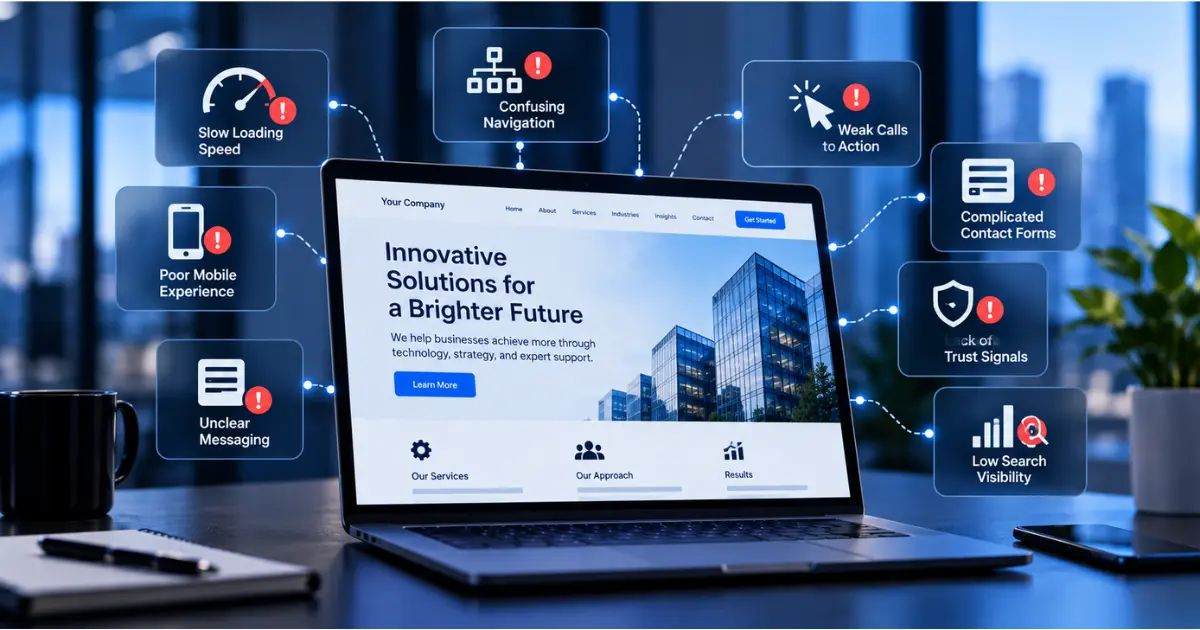
Learn the warning signs that your website may be losing opportunities and where to focus your improvements.
LET’S CONNECT
Talk to Our Team